


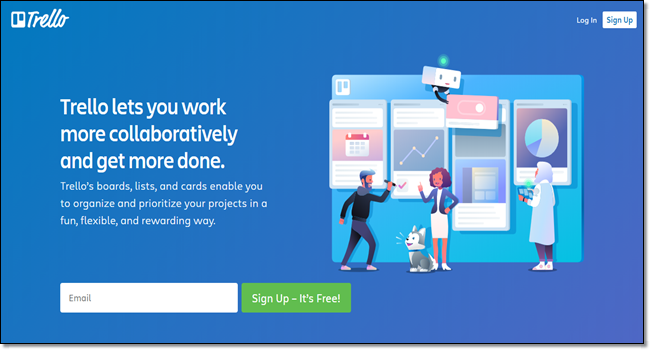
Trello’s platform makes it simple and manageable to create spreadsheets, emails, and do tasks that involve major teamwork and collaboration.
Projects, tasks, and assignments are all transparent – all team members can see what everyone else is doing, as well as what tasks are pending by accessing the relevant board and cards. This makes for excellent productivity.
This flexible design platform helps demonstrate designs over the web. Designers and developers working independently or in a digital agency should consider adding Figma to their web design tools inventory for easy collaboration and real-time feedback from their clients.
With Figma, there is no need for other third-party tools to enable the exchange of mockups or updates. What’s more, its in-app commenting feature eases design review feedback without the need for making constant design updates.

One of the more popular and accessible design tools, Canva helps you create quick images with the help of predefined, optimized templates. These customizable templates allow you to play with images and colors and easily create visuals, social media graphics, presentations, and posters. Further simplifying the process is the tool’s drag and drop interface and a premium library of graphical content.
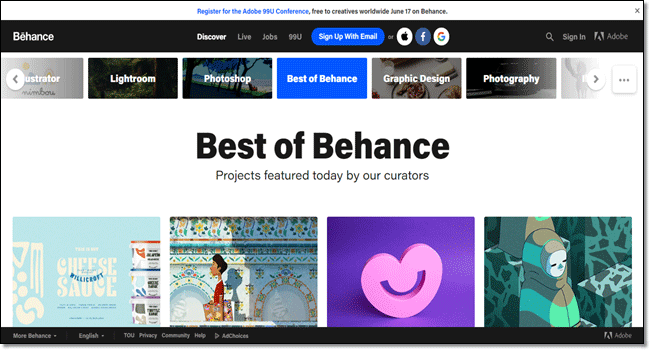
Behance is the leading online webpage designing tool for creative designers that work independently or with an agency. You can showcase your work to the world and find relevant works created by other designers.
It helps designers to update all their work in one place and broadcast it widely. It helps companies and agencies to explore creativity and find the right talent globally.
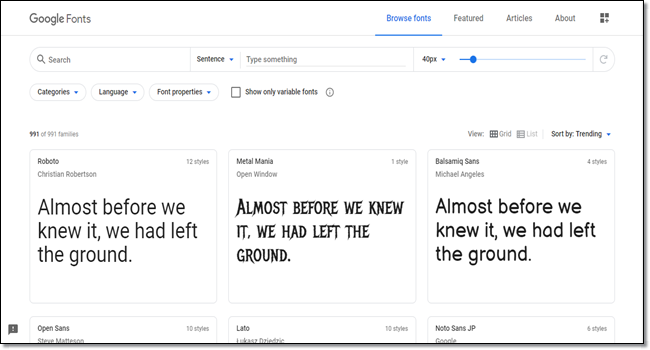
Among many web design tools, Google Fonts is a popular option that helps you to enable a font type on your website with a simple one-line code. It contains a huge collection of fonts best optimized for the web. Follow these 3 simple steps:
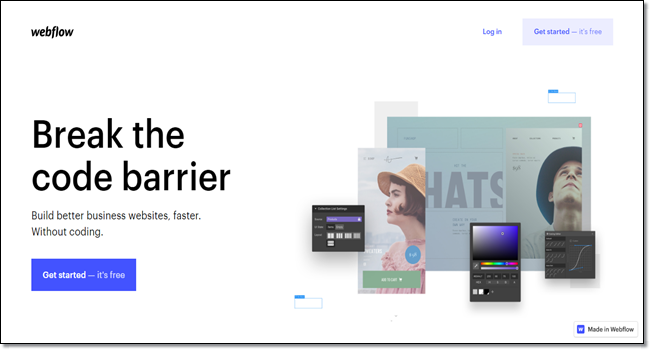
Webflow is a website-building tool for web designers. You can use the drag-and-drop feature to create a custom-made website without using any code. It’s a handy tool for those creative web designers who don’t like to code to create an entire website.
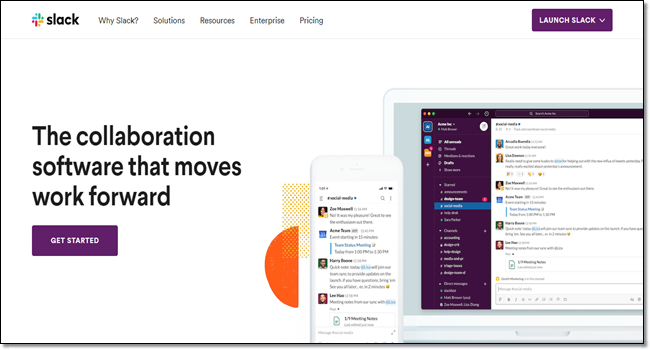
Slack is a single workspace that helps teams communicate in an organized way. For instance, communication between different teams in the digital agency and the client. Its multiple bots and app integrations help set up alerts and notifications when tasks are complete.
Slack also has some neat features for developers, such as the ability to share code snippets directly in the app, as well as notifications on change requests from customers and new bugs


